
Staying connected with the “Calendar” page



Keeping members in the know about upcoming meetings, activities, and key dates is at the heart of an informed, active community. That’s why the “Calendar” page is one of the most commonly used page types on HOA Express for building engagement!
Its flexibility makes it easy to organize everything from board meetings and community events to recurring activities. With built-in features to help promote events and encourage participation, your calendar can become a valuable tool for keeping members informed and engaged.
In this article, we’ll show you how to unlock the full potential of the “Calendar” page to stay connected with your community!
Creating events
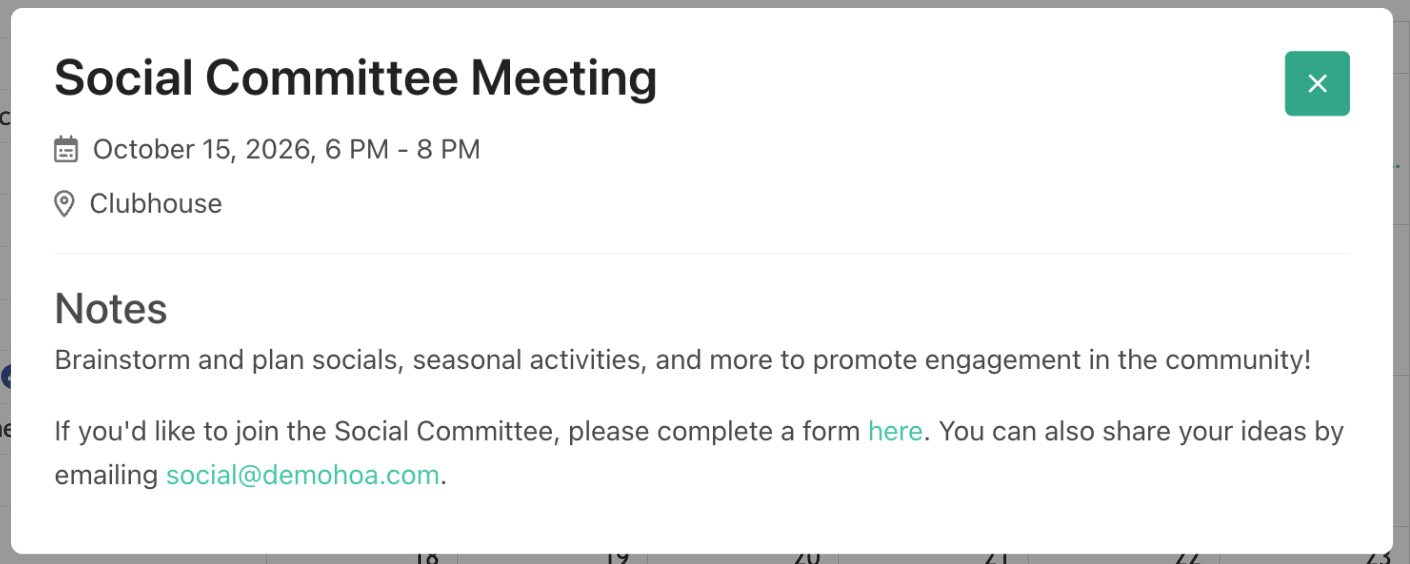
The “Calendar” page gives members a convenient place to view what’s happening in your community. In addition to sharing when and where the event is taking place, you can add notes with more information, helpful links, or images, and attach key files, such as an agenda for an upcoming meeting.
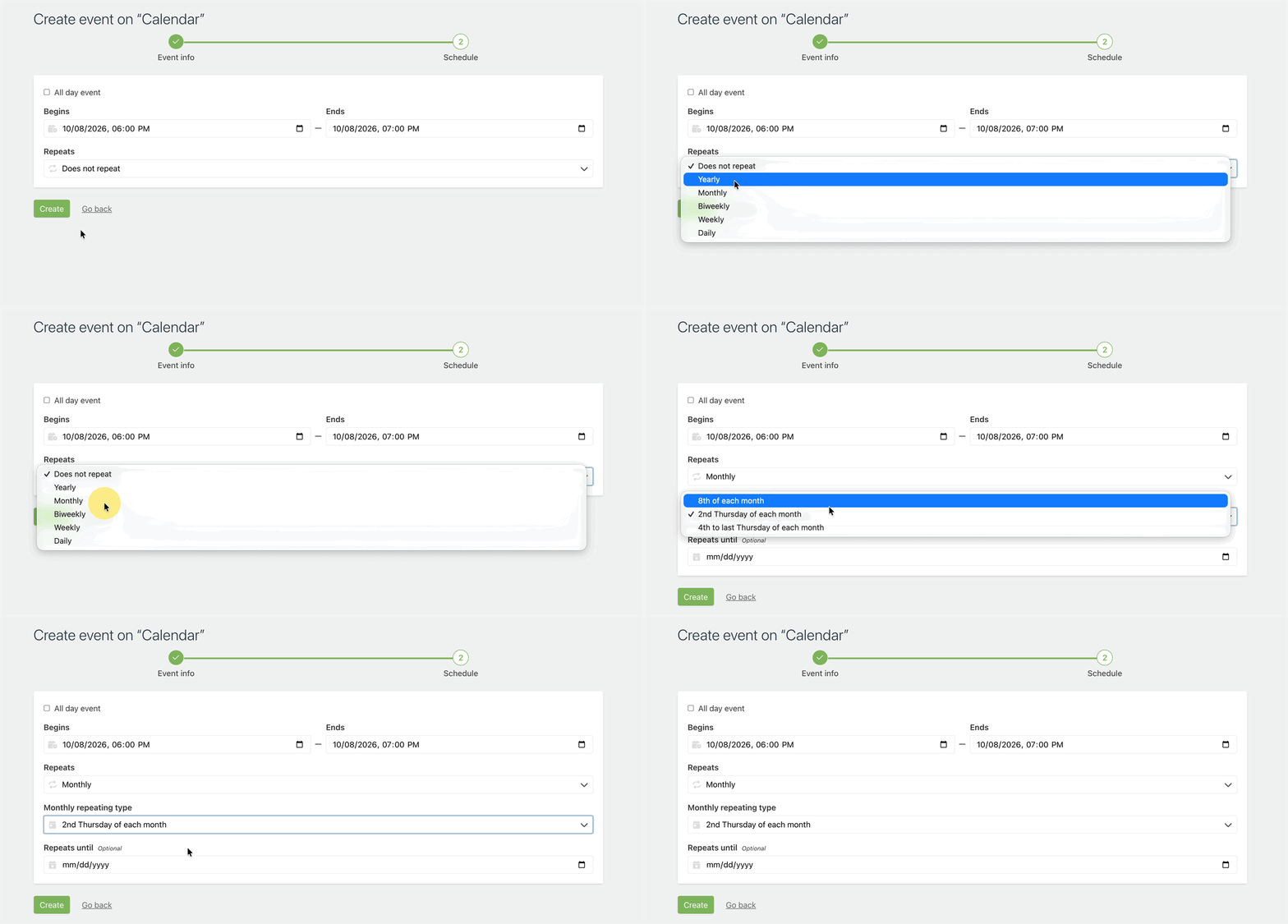
For activities and meetings that occur regularly, you can set them to repeat so the calendar autopopulates without you needing to manually create the same event each time. This can be especially useful for monthly board meetings, weekly activities, trash pickup, or other recurring dates.
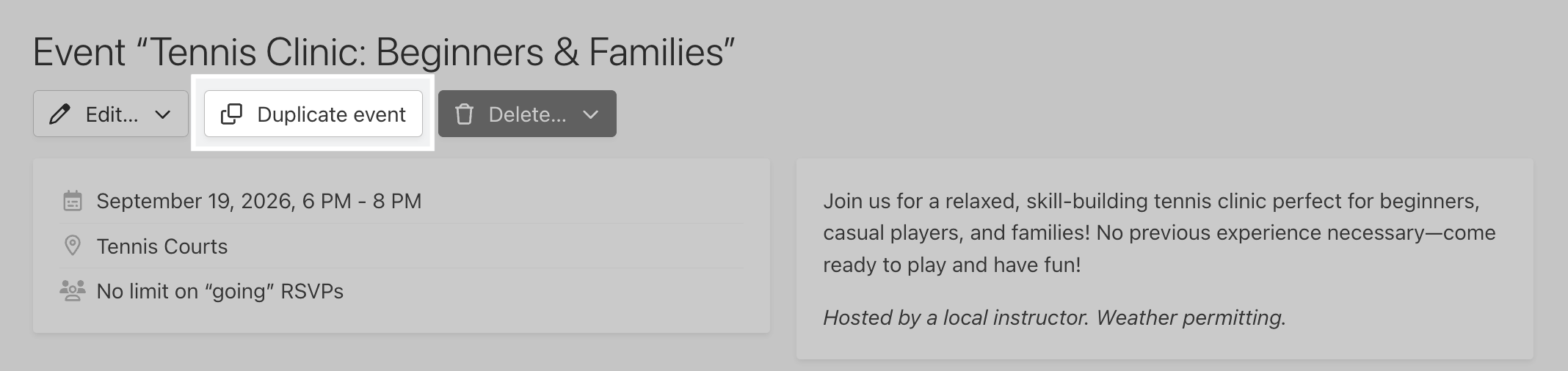
Additionally, you can choose to duplicate an existing event to quickly create a new one with similar details! This can save you time for similar events that don’t follow a regular recurring schedule.
Your community also isn’t limited to a single calendar! Create as many “Calendar” pages as needed (e.g., Board calendar, Book Club calendar, amenity availability). If needed, you can also restrict access to those calendar pages so only relevant members are aware of those events.
Event RSVPs
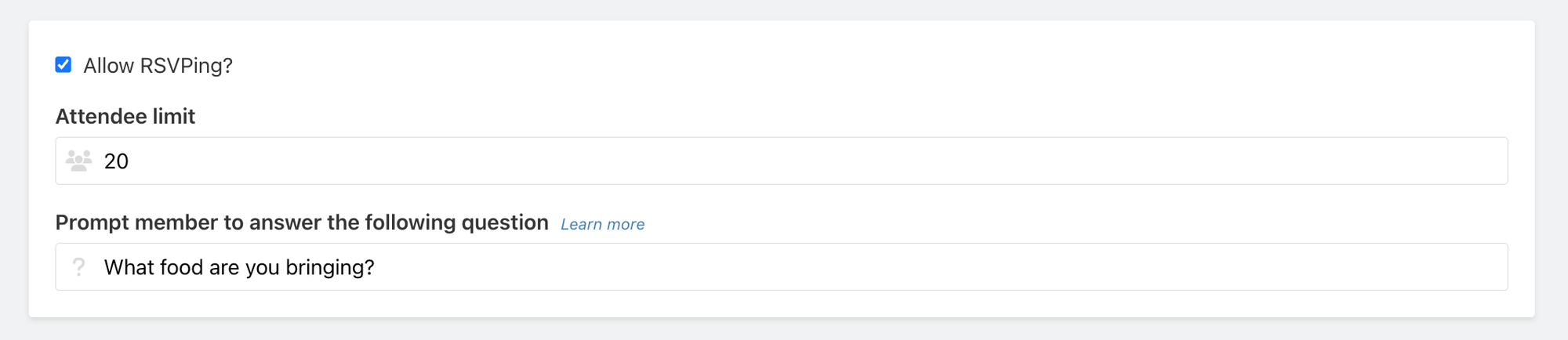
For events where you’d like to know who plans to attend, you can enable the RSVPing feature. With this, you can also set a maximum number of attendees and include an additional question for members to answer when they respond.
For instance, you may ask what dish someone plans to bring to a community potluck or how many guests will be joining for an activity. This makes your calendar useful for more than only sharing dates; it can also help you plan and organize community events more effectively.
Promoting events
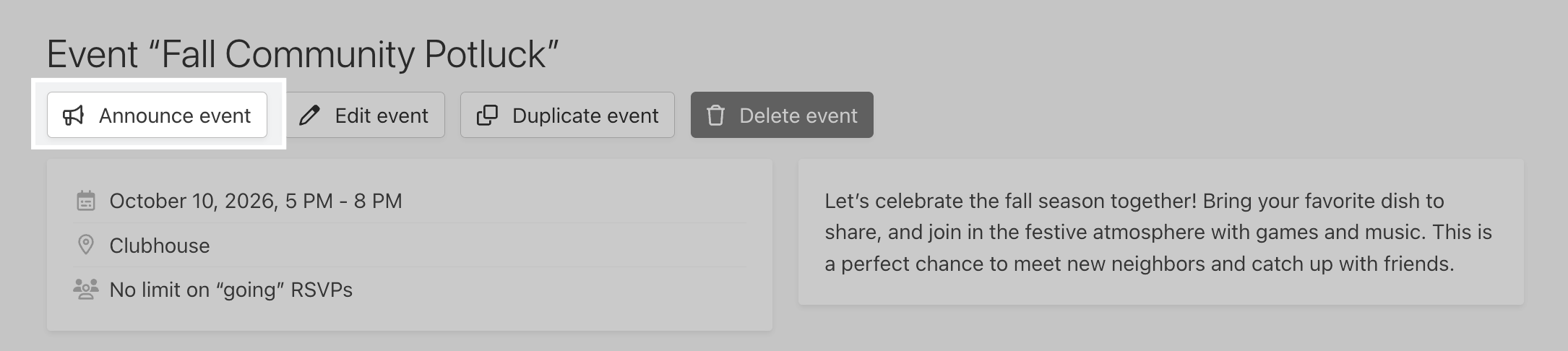
Once an event is on your calendar, there are several ways to help bring it to your members’ attention. Need extra visibility on an event? Send a blast email announcement for that calendar event! Announcements can be customized, scheduled, and sent to selected recipients, making them useful for everything from an initial invitation to a reminder as the event gets closer.
Calendar events can also feed into the system-generated What’s Happening emails, which highlight upcoming events and notable new content on the website. This gives your members another opportunity to stay informed of any upcoming events without administrators needing to remember to send a reminder.
If your website has multiple “Calendar” pages, members only see events from the calendars they have access to. That way, the information they receive is always relevant and personalized.
Homepage events
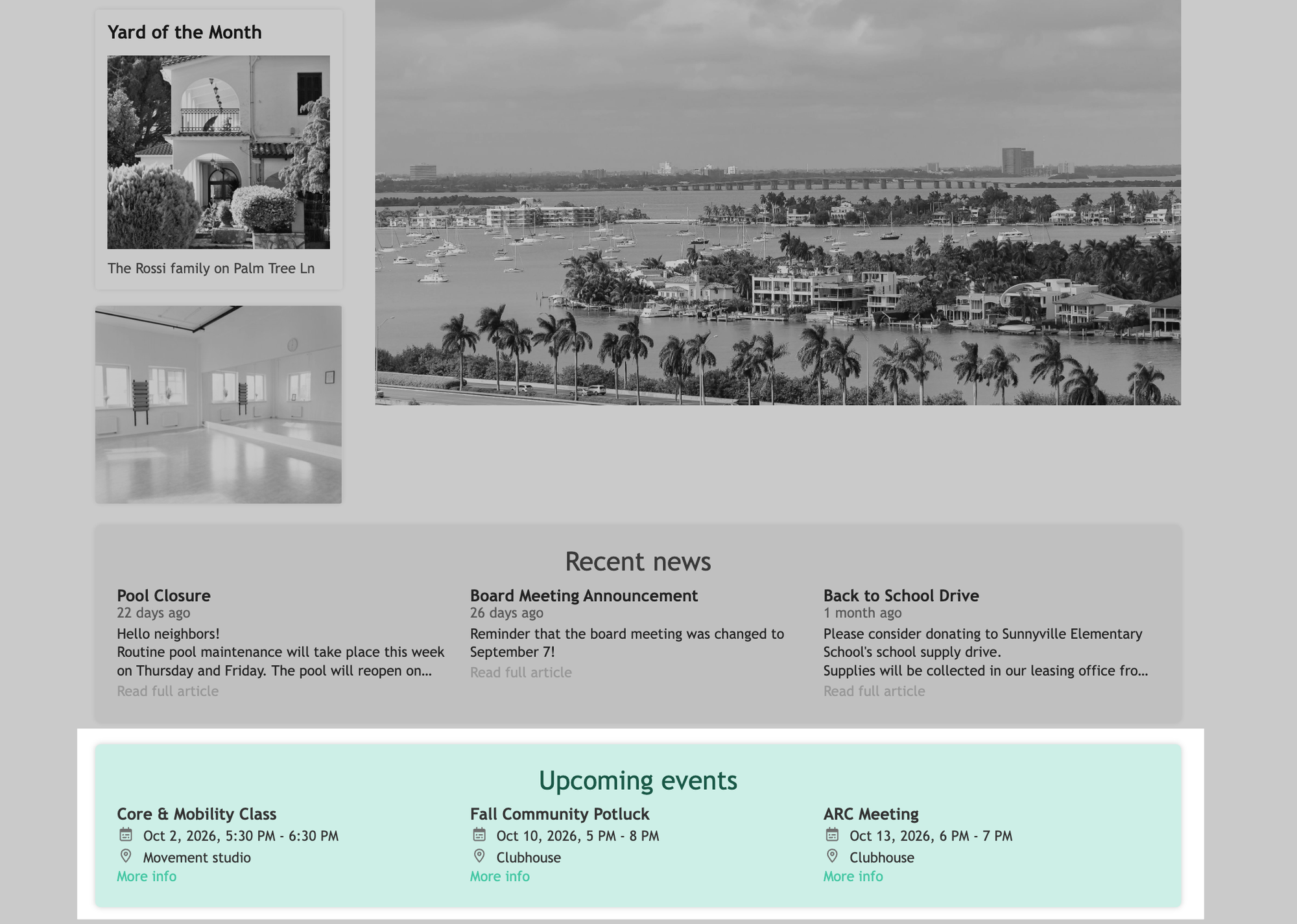
You can also put upcoming events front and center on your website’s homepage! When this setting is enabled, the homepage can showcase the next three upcoming events from your “Calendar” page(s) that the visitor has access to.
This gives members the opportunity to know what’s coming up at a glance with the option to view more event details.
Wrapping up
Whether your community uses a calendar to post board meetings, social events, amenity availability, important deadlines, or all of the above, the “Calendar” page can be a central hub for keeping your community in the loop.
To get started, visit our Help Center for step-by-step guides on creating and managing “Calendar” pages and events!